As Burnaby continues its ascent as a major economic hub in the region, businesses are flocking to establish their presence. This rapid growth, fueled by thriving tech, life sciences, and digital media sectors, creates a competitive landscape where operational efficiency is paramount. At the core of this efficiency lies a robust and strategically planned IT infrastructure. For any company setting up a new office, the design and logistics of their IT and setup process are not just technical tasks—they are foundational pillars for future scalability, security, and success. This guide provides a strategic framework for navigating the complexities of IT setup, ensuring your new workspace is powered for performance from day one and is perfectly aligned with the unique business environment of this dynamic city.
Chapter 1: Blueprinting your IT foundation before the move
Before a single server is racked or a cable is run, the most critical phase of your IT setup takes place: planning. This initial blueprinting stage is where you align your technology needs with your business goals. Start by conducting a thorough needs assessment. What are your core business applications? How many employees will be on-site versus remote? What are your data storage and security requirements? Answering these questions will inform the architecture of your network. Consider future growth; a scalable design is crucial. An infrastructure that can barely handle your current needs will become a bottleneck as your company expands. Map out the physical layout of your new office, identifying locations for network closets, servers, wireless access points, and individual workstations. Engaging with an IT consultant or a Managed Service Provider (MSP) at this stage can provide invaluable expertise, helping you create a detailed project plan with clear timelines and budgets. This foresight prevents costly last-minute changes and ensures a smooth, predictable setup process. The goal is to have a comprehensive plan that covers everything from internet service provider (ISP) selection to software licensing, creating a solid foundation for all subsequent steps.
Chapter 2: Core network infrastructure and connectivity
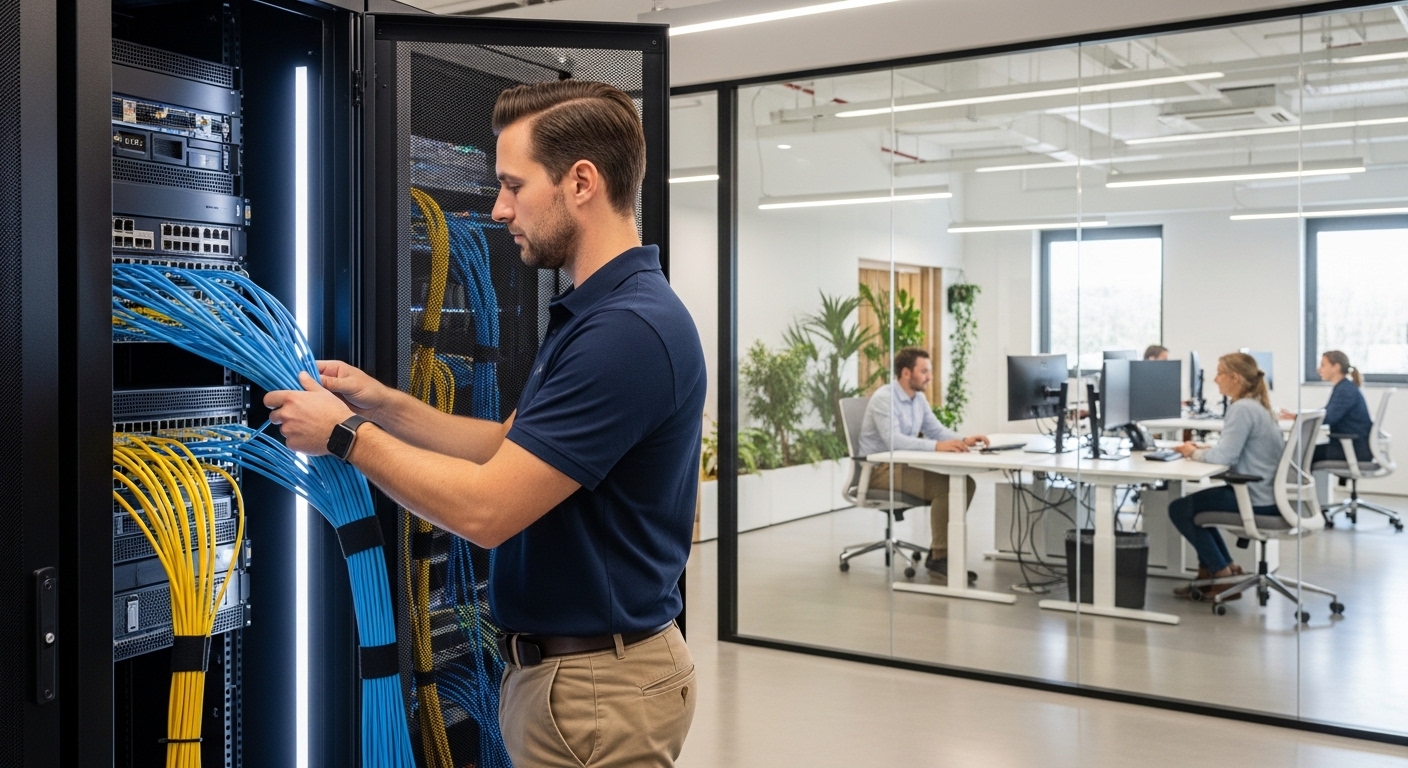
The backbone of any modern office is its network. In a bustling commercial center like Burnaby, reliable, high-speed connectivity is non-negotiable. Your first major decision is selecting the right ISP. Research providers in your specific area, comparing not just advertised speeds but also Service Level Agreements (SLAs), reliability metrics, and customer support. Consider a primary and a secondary backup connection (failover) to ensure business continuity. Internally, your network hardware is just as important. Invest in business-grade routers, switches, and firewalls that can handle your projected traffic and provide robust security features. For wireless connectivity, strategically placed Wi-Fi 6 (or newer) access points are essential to provide seamless coverage throughout the office, eliminating dead zones. A well-designed structured cabling system, using high-quality Cat6a or fiber optic cables, will support high-speed data transfer for years to come. Proper cable management is not just for aesthetics; it simplifies troubleshooting and future upgrades. This core infrastructure is the circulatory system of your office, and investing in quality components will pay dividends in performance and reliability.
Chapter 3: Embracing cloud services and data management
The modern workplace is no longer confined to a single physical location. The integration of cloud services is essential for flexibility, scalability, and collaboration. Evaluate which business functions can be migrated to the cloud. This often includes email (Microsoft 365, Google Workspace), file storage (OneDrive, Dropbox, Google Drive), and even core business applications (SaaS). A hybrid approach, combining on-premise servers for specific tasks with cloud services for others, is a popular strategy. This allows you to maintain control over sensitive data while leveraging the flexibility of the cloud. Data management is the other side of this coin. A clear data backup and disaster recovery plan is critical. This plan should include both local backups and off-site or cloud-based backups. Regular testing of your backup and recovery procedures is essential to ensure they work when you need them most. Implement a clear file structure and data access policies to maintain organization and security. A well-architected cloud and data management strategy ensures your team can work efficiently and securely, whether they are in the office or working remotely.
Chapter 4: Prioritizing cybersecurity from the ground up
In today’s digital landscape, cybersecurity cannot be an afterthought; it must be integrated into your IT setup from the very beginning. A multi-layered security approach is the most effective. This starts with a robust firewall to protect your network perimeter. Implement strong access controls, ensuring employees only have access to the data and systems they need to perform their jobs. Enforce a strong password policy and enable multi-factor authentication (MFA) wherever possible. Endpoint security is also critical; every device connected to your network (laptops, desktops, mobile phones) should have up-to-date antivirus and anti-malware software. Employee training is another crucial layer of defense. Educate your team on how to recognize phishing attempts, social engineering, and other common cyber threats. For businesses in a competitive market such as Burnaby, protecting sensitive client and company data is not just an IT issue—it’s a matter of business reputation and continuity. Building a security-first culture from day one is one of the most important investments you can make.
Chapter 5: The logistics of physical setup and installation
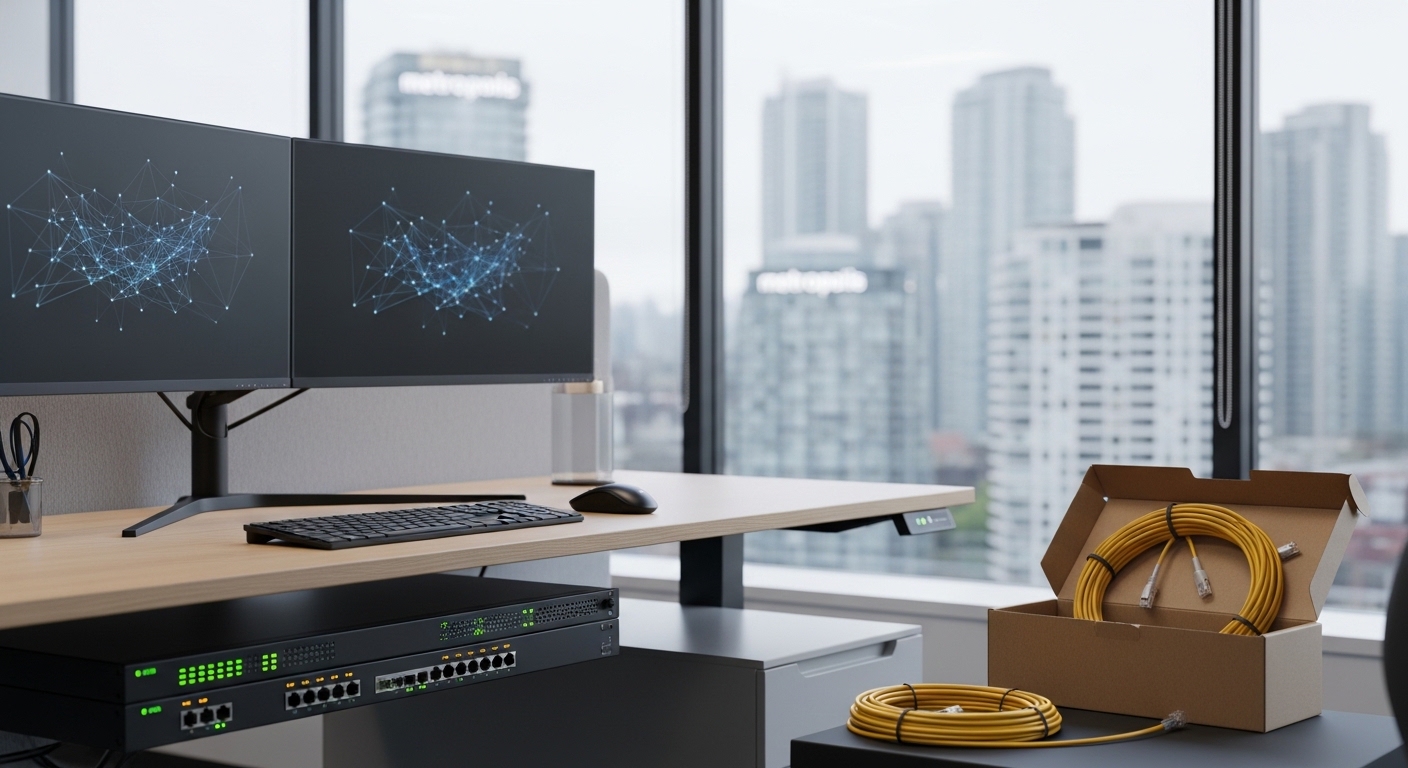
With a solid plan in place, the physical installation is the next step. This is where the logistical aspect of your setup comes to the forefront. Coordinate closely with your office designers, furniture suppliers, and building management to ensure your IT installation timeline aligns with the overall office fit-out schedule. Your server room or network closet should have adequate cooling, power, and physical security. The installation of structured cabling should be done professionally to avoid interference and ensure optimal performance. When it comes to setting up workstations, an ergonomic approach is key to employee well-being and productivity. This includes adjustable chairs, monitor arms, and proper desk height. Develop a standardized desktop setup process to ensure consistency and efficiency. Create a clear inventory of all IT assets, including serial numbers, purchase dates, and assigned users. A smooth physical installation requires meticulous coordination and attention to detail. A well-executed setup minimizes disruption and ensures your team can be productive from the moment they walk into the new office.
Chapter 6: Integrating smart office technology
To create a truly modern and efficient workplace, consider integrating smart office technology. This goes beyond basic IT infrastructure and focuses on enhancing the employee experience and optimizing building management. Smart lighting and climate control systems can reduce energy costs and create a more comfortable environment. Smart meeting room solutions, including easy-to-use video conferencing systems and digital booking panels, can streamline collaboration. Access control systems can be integrated with employee directories for enhanced security and convenience. Even smaller details, like smart sensors to monitor desk and room occupancy, can provide valuable data for optimizing your space utilization. The key is to choose technologies that solve real problems and are easy for employees to use. A well-integrated smart office demonstrates a commitment to innovation and can be a significant factor in attracting and retaining top talent in a competitive job market.
Chapter 7: Ongoing support and managed IT services
Your IT setup doesn’t end on day one. Technology requires ongoing maintenance, monitoring, and support to remain effective and secure. For many small and medium-sized businesses, partnering with a Managed Service Provider (MSP) is the most efficient solution. An MSP can provide 24/7 monitoring of your network, proactive maintenance to prevent issues before they occur, and helpdesk support for your employees. This frees up your team to focus on their core responsibilities rather than dealing with IT problems. When choosing an MSP, look for a provider with a strong local presence and a clear understanding of the business landscape in Burnaby. A good MSP will act as a strategic partner, helping you plan for future technology needs and ensuring your IT infrastructure continues to support your business as it grows. This proactive approach to IT management is essential for long-term operational success and resilience.
In conclusion, establishing a new office requires a meticulous and forward-thinking approach to IT infrastructure and setup. By starting with a comprehensive blueprint, investing in a robust network, embracing the flexibility of cloud services, and embedding cybersecurity into every layer of your plan, you create an environment poised for success. The physical logistics of the setup, from cabling to workstation ergonomics, are crucial for a seamless transition, while the integration of smart technology can elevate the workplace experience. Ultimately, the long-term health of your IT ecosystem relies on a commitment to ongoing support and proactive maintenance, often best handled by a dedicated managed service provider. For companies laying down roots in this city’s fertile economic ground, a strategically designed and professionally executed IT setup is not just an operational necessity—it is a competitive advantage that will underpin growth, innovation, and resilience for years to come.